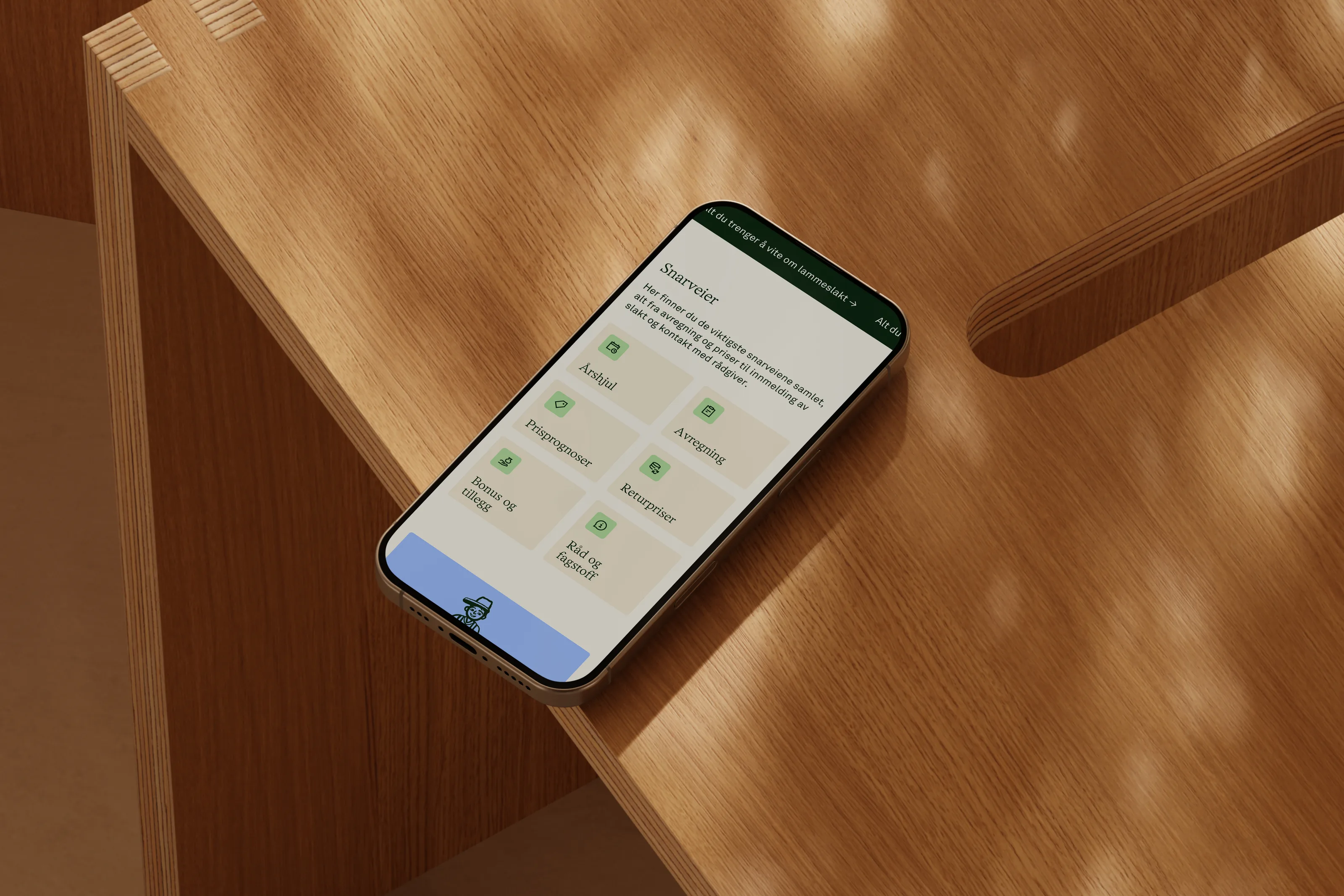
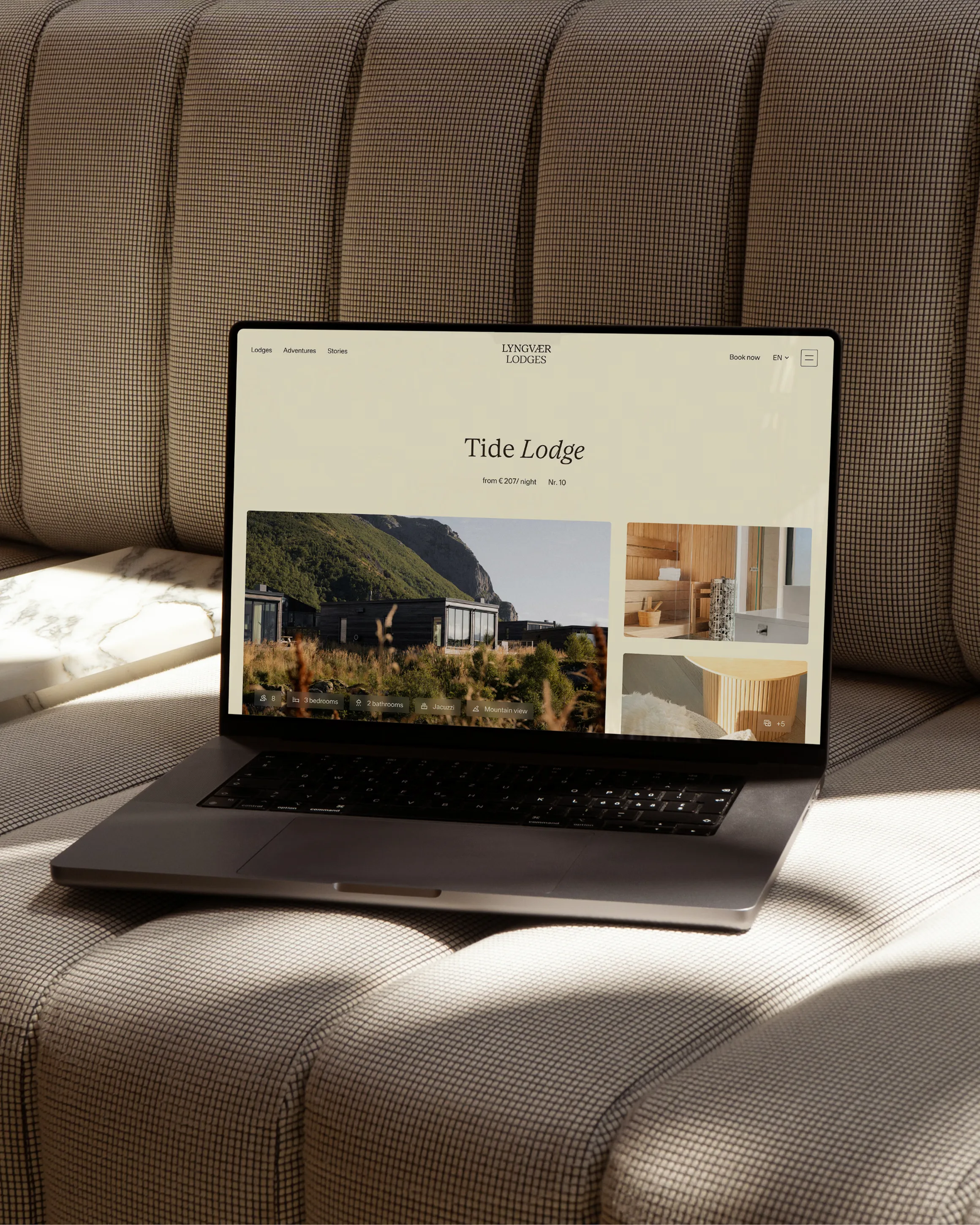
What is UI design?UI design is the work of shaping what the user sees and taps in a digital product. You get the definition, the building blocks, requirements you can measure, and the difference between UI and UX.
UI design is the design of user interfaces, meaning what the user sees and taps in a digital product: buttons, menus, forms, icons, typography and colours. UI stands for user interface, and the aim is an interface that is easy to understand, easy to operate and clearly the brand's own.
What does UI mean?
UI is short for user interface. It is the surface where person and machine meet. On a website or in an app, it is the screen with everything that can be read, tapped and filled in. The term is also used for other interfaces, such as voice control and payment terminals, but in digital design it usually means the graphical interface on a screen.
What does a user interface consist of?
- Layout and hierarchy. Placement, size and white space show what matters most and the order in which the content should be read.
- Typography. Typefaces, sizes and line spacing decide how easy the text is to read.
- Colours. Colours carry the brand, separate elements from each other and show states such as selected, error and completed.
- Components. Buttons, form fields, menus and cards are the building blocks that recur on every page.
- States and feedback. Each element shows whether it can be tapped, is in focus, is disabled or is loading.
- Icons and images. They support the text and make an action quicker to recognise.
Three requirements you can measure
Good UI design is not just a matter of taste. Several of the requirements are numbers you can check.
- Contrast of at least 4.5:1 for text. The Web Content Accessibility Guidelines (WCAG) require a contrast ratio of at least 4.5:1 between regular text and its background, and 3:1 for large text.
- Contrast of at least 3:1 for buttons and form fields. Borders and icons that show something can be operated must also stand out clearly from the background.
- Touch targets of at least 24 × 24 pixels. This is the minimum requirement in WCAG 2.2. Apple recommends 44 × 44 points, and Google's Material Design recommends 48 × 48 dp.
Websites aimed at the general public in Norway must follow the regulations on universal design of ICT solutions, which are based on the WCAG guidelines. The Norwegian Authority for Universal Design of ICT (Uutilsynet) supervises compliance.
Two principles that explain a lot
- Jakob's Law. Users spend most of their time on other websites than yours, so they expect yours to work the same way. The principle was formulated by Jakob Nielsen. Familiar patterns, such as the logo at the top left and the basket at the top right, are therefore usually a safer choice than inventions of your own.
- Fitts's Law. The larger a target is and the closer it sits, the faster the user hits it. The psychologist Paul Fitts described the relationship in 1954. This is why important buttons are large and placed where the thumb or pointer already is.
How a UI designer works
- Maps the brand and the users. The visual identity and the insight from the UX work set the framework.
- Sketches and builds prototypes. The layout is drawn first simply and then in detail, often in Figma, so it can be tested before anything is developed.
- Builds a design system. Colours, typography, spacing and components are gathered in one place, so all pages hang together and new pages are quicker to make.
- Adapts to all screens. The interface must work just as well on a phone as on a large screen.
- Tests and adjusts. Real users try the solution, and the findings are used to improve it. Read more about user testing.
What is a design system?
A design system is a shared library of ready-made components and rules for how they are used. Well-known examples are Material Design from Google and the Human Interface Guidelines from Apple. For a company, its own design system means the website, the e-commerce store and the app hang together, and the brand is recognisable everywhere. Read more about logo and visual identity.
The difference between UI and UX
UI is about how the product looks and is operated. UX design is about the whole experience, from the moment the need arises until the goal is reached. A product can look good without being easy to use, and be easy to use without looking good. The best products are both, which is why UI and UX designers work closely together.
UI design in practice at Cure
For HELZT we built an e-commerce store and a digital identity. The work won gold at Visuelt 2023 in the e-commerce category. Read more in the article about the award.
Want an interface that is easy to use and clearly your own? Read about websites, e-commerce and brand building at Cure.
Sources
- W3C, Web Content Accessibility Guidelines (WCAG) 2.2, success criteria 1.4.3, 1.4.11 and 2.5.8.
- Apple, Human Interface Guidelines.
- Google, Material Design.
- Laws of UX, Jakob's Law and Fitts's Law.
- Uutilsynet, the regulations on universal design of ICT.